Budget Categories List: Every Category You Need in Your Monthly Budget
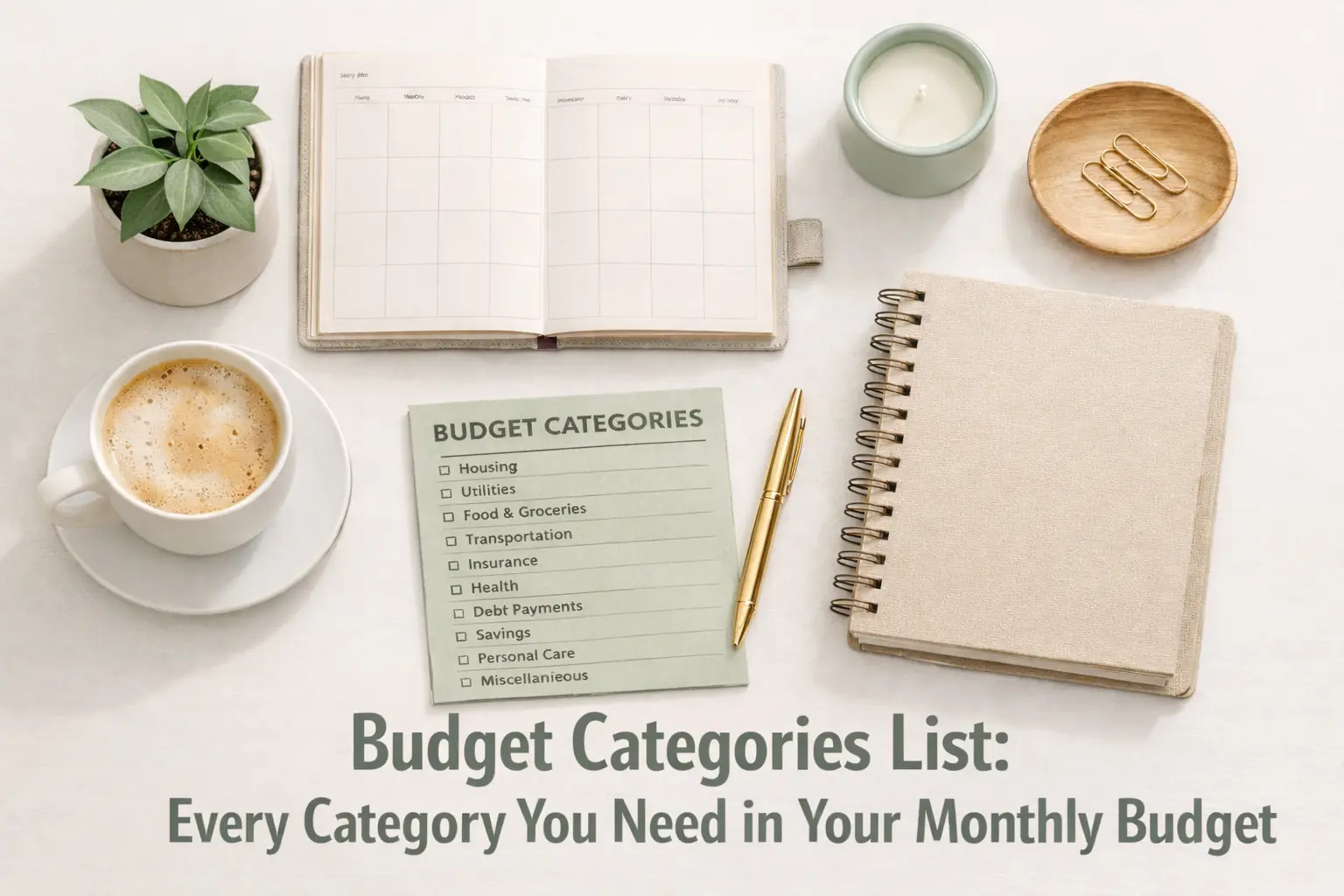
Organize your money today! Use our ultimate budget categories list to track spending, stop the leaks, and ensure every dollar has a dedicated home.
From experience
When I first created a budget categories list, I made the mistake of putting almost everything under “miscellaneous.” After reviewing three months of bank transactions, I realized groceries, dining out, and subscriptions were quietly eating hundreds of dollars each month. Once I separated those into clear categories, it became much easier to see patterns and control my spending.
When you sit down to organize your finances, the biggest hurdle isn't the math-it's the fear of forgetting something important. You build a plan, but then a birthday pops up, or the car needs an oil change, and suddenly your plan falls apart. That is why having a comprehensive budget categories list is the secret weapon of successful savers. By using The Ultimate Budget System, you ensure that every dollar has a specific home before the month even begins. This guide isn't just a list of random budget category ideas; it is a strategic map designed to capture personal budget categories that most people overlook. Whether you are a pro or just learning how to budget for the first time, these household budget categories will give you the clarity you need to finally take control of your wallet.
This article is part of the The Complete Budgeting System Guide: 7 Steps to Take Control of Your Money.
Why Category Organization is the Foundation of Wealth
Most people fail at money management because their monthly budget categories are too broad. If you have a category called "Misc" or "Stuff," that is where your money goes to die. Broad categories hide bad habits. For example, if you spend $800 on "Food," you don't know if you are overspending on healthy groceries or expensive Friday night takeout. In practice, the more specific your categories are, the easier it is to identify "leaks." When you know exactly what categories to include in a budget, you move from a state of reacting to your bank balance to a state of directing it. This transition is vital for anyone using a Zero-Based Budgeting System, where every single cent must be accounted for.The 'Fixed vs. Flexible' FrameworkBefore we dive into the full budget categories list, you need to understand the two main types of expenses. Fixed expenses are your "Must-Pays." These are usually bills that stay the same every month, like your rent or car insurance. Flexible expenses are your "Variable" costs. These are things you have control over, like groceries, clothing, and entertainment. In practice, you should always fund your Fixed expenses first. Whatever is left over-your "Margin"-is then distributed among your Flexible categories. If you are struggling with why my budget isn't working, it is often because you have too many "Fixed" commitments and not enough room for the reality of daily life.H2: The 'Hidden Life' Categories Most Lists MissMost top-10 search results will tell you to budget for rent and utilities. What they miss are the "Hidden Life" categories that actually cause the most stress. These are the personal budget categories that aren't monthly bills but happen often enough to ruin your progress. In practice, if you don't budget for these, you are essentially planning to fail. Here is a table of the "Hidden Three" that most beginners forget:CategoryThe Reality CheckMonthly Target (Example)Household ConsumablesToilet paper, soap, light bulbs, trash bags$40
By including these budget category ideas, you create a "shock absorber" in your finances. Instead of that $15 box of laundry detergent feeling like a crisis, it simply comes out of your "Household Consumables" fund. This original data point-separating household "stuff" from "food"-is one of the most effective ways to save money on groceries because it stops you from hiding non-food spending in your food budget.
H2: The Practitioner's Perspective: Why You Need a 'Me' Fund
In practice, the biggest reason people quit budgeting is that they feel restricted. They look at their monthly budget categories and see a list of chores. To solve this, I always recommend a "Blow Money" or "Personal Fun" category. This is money that you are allowed to spend on whatever you want, with zero guilt and zero tracking. Whether it's a video game, a fancy candle, or a lottery ticket, this fund acts as a safety valve. What most guides miss is that a budget without a 'fun' category is a budget that will be abandoned by the third month. If you are budgeting for beginners, give yourself at least $20 a month that has no rules. It makes the rest of the discipline feel much more sustainable.
H2: Organizing Your Household Budget Categories by 'Priority Tiers'
Instead of one giant budget categories list, it is much more helpful to organize your money into "Priority Tiers." This tells you what to pay if you have a short month. If you are using a Paycheck Budget System, this hierarchy is your roadmap.
Tier 1: Survival (The Four Walls)
- Housing: Rent or mortgage, property taxes, and HOA fees.
- Utilities: Electricity, water, natural gas, and trash collection.
- Food: Basic groceries only (no restaurants yet!).
- Transportation: Gas for the car, public transit passes, and basic car maintenance.
Tier 2: Obligations (Keeping the Lights On)
- Insurance: Health, auto, life, and renters/homeowners insurance.
- Debt: Minimum payments on credit cards, student loans, or personal loans.
- Communication: Cell phone bill and home internet.
Tier 3: Quality of Life (The Flexible Stuff)
- Household: Paper towels, cleaning supplies, and toiletries.
- Personal Care: Haircuts, skincare, and basic clothing.
- Pet Care: Food, treats, and vet visits (see Sinking Funds Explained for big vet bills).
- Childcare: Diapers, school fees, and extracurricular activities.
Tier 4: Future & Fun (The Goal Reach)
- Savings: Emergency fund and retirement contributions.
- Entertainment: Streaming services, movies, and hobbies.
- Giving: Tithing, charity, or helping family members.
Step-by-Step: How to Build Your Category List This Week
Step 1: The Bank Statement Audit
You cannot know what categories to include in a budget if you don't know where your money currently goes. Take 15 minutes to look at your bank transactions from the last 30 days. Don't judge yourself; just look at the names of the stores. You'll likely see a few "Ghost Categories"-like those $1.99 app charges-that need their own home on your list.
Step 2: Start with the Survival Tier
On a piece of paper or a monthly budget worksheet, write down your rent, utilities, and grocery estimates. These are your non-negotiables. If your income doesn't cover these first, your household budget categories don't matter-you have a "math problem" that needs fixing first.
Step 3: Group Your 'Wants'
Look at your remaining spending. Group similar items. Instead of having "Netflix," "Hulu," and "Disney+," just create one category called "Streaming." This keeps your budget categories list from becoming 50 items long, which is a major budgeting mistake to avoid because it leads to overwhelm.
Step 4: Test and Adjust
Your first list won't be perfect. In practice, you will forget something in your first month. That is okay! Simply add the missing item to your list for next month. This is how to monitor your budget for long-term success. A budget is a living document, not a stone tablet.
Common Mistakes: The Category Traps
- The 'Miscellaneous' Hole: If you put more than 5% of your income into "Misc," you aren't budgeting; you're guessing. Give that money a specific name.
- Merging Groceries and Household: If you buy your shampoo at the grocery store, try to separate it on your receipt. Household items are often "one-off" buys that can skew your food data.
- Forgetting Annual Fees: Amazon Prime, Costco memberships, and car registrations are personal budget categories that only happen once a year. If you don't budget for them monthly, they will feel like an "emergency" when they arrive.
- Being Too Granular: You don't need a category for "Green Apples" and "Red Apples." Keep it to "Groceries." If your list is more than two pages long, you will stop using it.
- Ignoring Debt Interest: Don't just budget for the "payment." Be aware of the interest. This motivates you to move money from "Wants" into "Debt Payoff."
Tools to Organize Your Categories
You don't need fancy software to manage a budget categories list. A simple monthly budget template is often the best tool for beginners. According to the Consumer Financial Protection Bureau, people who physically write out their categories and goals are significantly more likely to stick to them. Whether you use a spreadsheet, a notebook, or a printable budget tracker, the best tool is the one you actually look at every day. If you want to get set up quickly, check out our guide on how to set up your budget in 30 minutes.
The Math of the 'Category Cap'
Once you have your budget categories list, you need to know how much to put in them. A simple way to do this without complex math is the "Subtract and Divide" method. Plain-English Example: 1. Take your Monthly Income: $4,000 2. Subtract your Fixed Tier (Rent/Bills): $2,500 3. What is left is your "Flex Pot": $1,500 4. Now, divide that $1,500 among your Flexible categories like Groceries, Gas, and Fun. If you have 10 flex categories, that averages to $150 per category. If one needs $400 (like Groceries), another must be $0 (like New Clothes) to stay in balance.
Conclusion: Your Map to Financial Peace
Building a budget categories list is about more than just numbers on a page; it is about building a map for your future. When every dollar has a name and a place to go, the "money stress" of the unknown disappears. You start to see that you actually have enough money-you just needed to tell it where to go. Start with the Tier 1 Survival categories today, and build your list one step at a time. Remember, the goal isn't to be perfect; it's to be aware. With the right budget category ideas, you are well on your way to mastering your household budget categories and achieving the financial freedom you deserve.
Frequently Asked Questions
- How many budget categories should I have? For most people, 15 to 25 monthly budget categories is the sweet spot. Fewer than that and you lose detail; more than that and it becomes too hard to track.
- What if I spend money on something not on my list? This is why you have a "Miscellaneous" or "Oops" fund! Use that money to cover it this month, then decide if that item needs its own category next month.
- Should I have a category for savings? Yes! Savings should be treated like a bill you pay to your future self. It belongs in your personal budget categories right alongside your rent.
- How do I handle categories that change every month, like electricity? Look at your bills from the last year, add them up, and divide by 12. Budget that average amount every month. In the summer, you'll build up a "buffer" that pays for the high winter bills.
- Do I need a category for every single subscription? No. It is much easier to group them under "Digital Subscriptions" or "Entertainment." Just make sure you know exactly which ones are included in that total.
Further Reading
Frequently Asked Questions
How many budget categories should I have?
For most people, 15 to 25 monthly budget categories is the sweet spot. Fewer than that and you lose detail; more than that and it becomes too hard to track.
What if I spend money on something not on my list?
This is why you have a 'Miscellaneous' or 'Oops' fund! Use that money to cover it this month, then decide if that item needs its own category next month.
Should I have a category for savings?
Yes! Savings should be treated like a bill you pay to your future self. It belongs in your personal budget categories right alongside your rent.
How do I handle categories that change every month, like electricity?
Look at your bills from the last year, add them up, and divide by 12. Budget that average amount every month. In the summer, you'll build up a 'buffer' that pays for the high winter bills.
Do I need a category for every single subscription?
No. It is much easier to group them under 'Digital Subscriptions' or 'Entertainment.' Just make sure you know exactly which ones are included in that total.