How I Manage Digital Bills with Cash Envelopes: The Ultimate Hybrid Guide
Learn how to master a hybrid cash envelope system to manage online bills and auto-pay while keeping the tactile control of cash for daily spending.
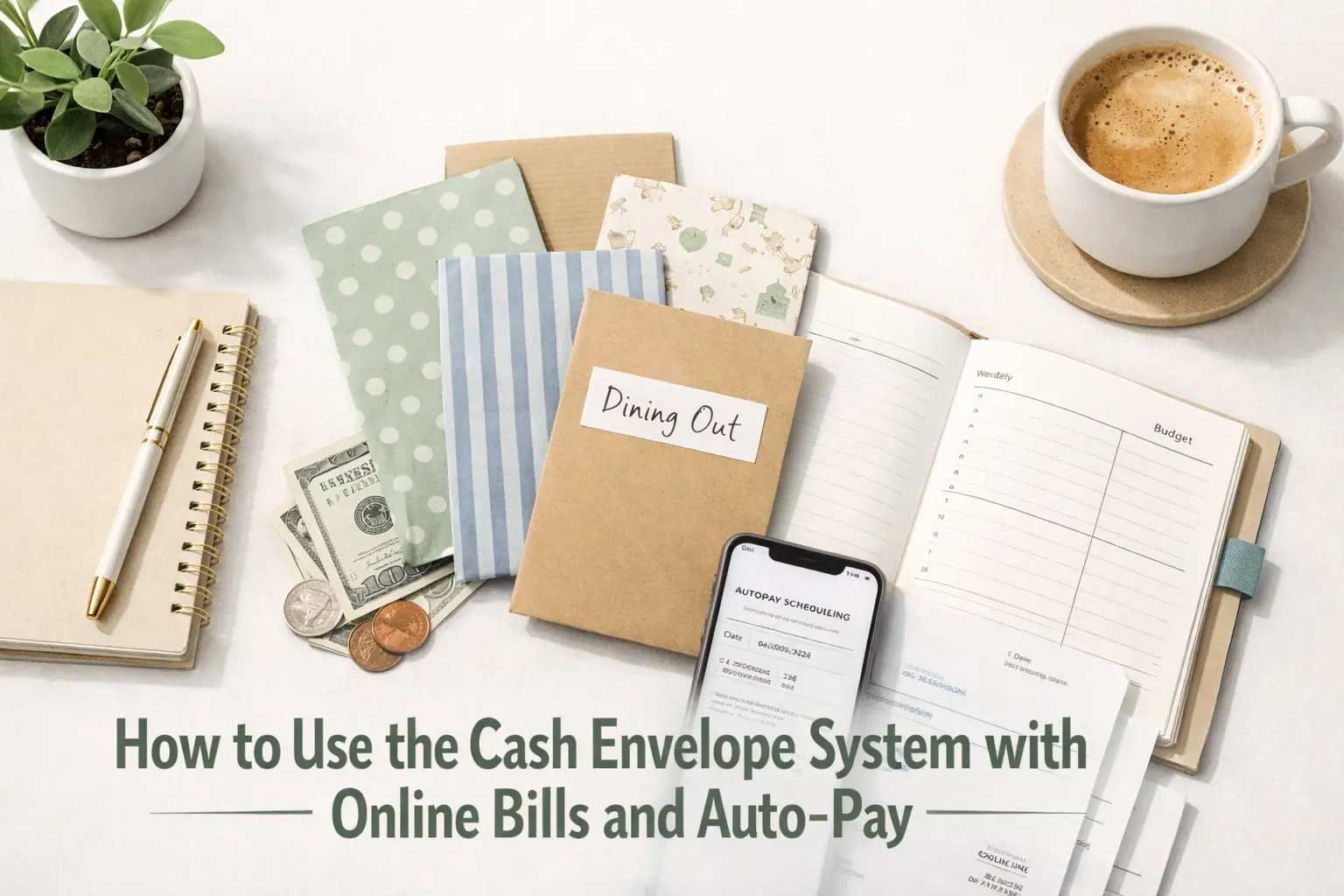
From experience
When I first tried mixing auto-pay with cash envelopes, I nearly overdrafted three times in one month because I forgot to account for 'phantom' digital subscriptions. I solved this by creating a $100 "digital floor" in my checking account that I never touch, which finally allowed me to sync my physical cash stuffing with my online bills without the constant fear of a declined debit card.
The Secret to Mixing Digital Convenience with Cash Control
You have probably seen the gorgeous photos of color-coded binders and stacks of crisp bills, but then you look at your phone. Your Netflix subscription is due tomorrow, your rent is paid through an online portal, and your car insurance is on auto-pay. This is the ultimate friction point for most people trying to start a The Complete Budgeting System Guide: How to Take Control of Your Money. The reality is that we live in a digital world, yet our brains are still wired to spend physical money more carefully than digital digits on a screen.
A hybrid cash envelope system is the bridge between these two worlds. It allows you to keep your fixed expenses-the ones that happen automatically-in your bank account while using physical cash for the categories where you tend to overspend, like groceries, dining out, and 'target runs.' By the end of this guide, you will know exactly how to stop double-counting your money and how to handle a digital bill with a physical mindset.
Why the Hybrid Cash Envelope System Works for Modern Life
The traditional cash-only method fails because it is inconvenient for things like utility bills or Amazon Prime memberships. However, a purely digital budget fails many people because 'swiping' feels like play-money. When you use a hybrid method, you get the best of both worlds. You get the cashless payments security for your large, fixed costs and the psychological 'pain' of handing over cash for your daily wants.
In practice, what most guides miss is that you cannot just "leave the bill money in the bank" and hope for the best. You need a way to visualize that money as already spent. If you see $2,000 in your checking account, but $1,800 of that is spoken for by auto-pays, your brain still sees $2,000 to spend. The hybrid method creates a mental and physical wall between those two pots of money.
The Phantom Envelope: Mapping Your Digital Fixed Expenses
The first step in a successful hybrid setup is identifying your 'Phantom Envelopes.' These are the digital versions of physical envelopes that live inside your bank account. You need to know exactly which fixed expenses are staying digital. This usually includes:
- Rent or Mortgage
- Car Payments
- Insurance (Health, Car, Life)
- Utilities (Electricity, Water, Internet)
- Subscriptions (Streaming services, Gym memberships)
To do this, take your total monthly income and subtract every single one of these digital bills. If you earn $4,000 and your digital bills total $2,500, you have $1,500 left. This $1,500 is what moves into your physical cash envelopes or your digital budgeting tracking for variable costs. For a full list of what to track, check out our Budget Categories List: Every Category You Need in Your Monthly Budget to ensure you aren't forgetting a phantom bill.
The Digital Bridge Ledger: How to Sync Your Bank and Envelopes Without Losing Your Mind
This is the 'Differentiation Layer' that makes this system actually work. Most people fail because they lose track of the money that is physically in their wallet versus what is digitally in the bank. I recommend using what I call the "Digital Bridge Ledger."
Case Study: Sarah's Digital Bridge
Sarah earns $3,000 per month. Her fixed digital bills are $1,800. She wants to use $600 in cash for groceries and gas, and leave $600 in the bank for digital "fun money" (online shopping).
Sarah uses a simple notebook-her Digital Bridge. When she gets paid, she writes down the full $3,000. She then 'transfers' the $1,800 to her bank account management section of the ledger. These funds are now 'locked.' Even though the money is still in her checking account, she records them as spent in her ledger. She then goes to the ATM and withdraws the $600 for her physical envelopes. The remaining $600 stays in the bank, but is marked as 'Digital Envelope: Shopping' in her ledger.
The Golden Rule: If you spend from a digital envelope (like buying a book on Amazon), you must subtract it from your Digital Bridge ledger immediately, just like you would take a $20 bill out of a paper envelope. This prevents the "Double Counting" trap where you think you have money for groceries because your bank balance looks high, but that money is actually your car insurance payment waiting to trigger.
Cashless Safety Nets: Why Your Hybrid Method Needs an 'Oops' Fund
One of the biggest friction points in a hybrid cash envelope system is the unexpected digital charge. Maybe your trash pickup bill went up by $5, or you forgot about an annual software subscription. When you have emptied your bank account to fill your physical envelopes, these small digital surprises can cause an overdraft.
In my experience, you should always leave a 'Buffer' or an 'Oops Fund' of exactly $100 in your checking account at all times. This money is never recorded in your budget. It is a permanent digital floor. This keeps your transaction tracking clean and prevents the stress of a $35 overdraft fee for a $2 price hike. According to the Consumer Financial Protection Bureau, keeping a small buffer and monitoring your account daily is the best defense against digital payment errors.
The Step-by-Step Practical Setup
- Calculate Your Digital Load: List every bill that must be paid online. This is your 'Bank Stay' amount.
- Choose Your Cash Categories: Pick 3-5 categories where you struggle with overspending (e.g., Groceries, Dining Out, Beauty). These will be your physical envelopes. For more ideas, see the Cash Envelope System: The Beginner's Guide to Budgeting With Cash.
- Create the Digital Bridge: Get a small notebook or use a spreadsheet. Create two columns: 'Bank Funds' and 'Cash Funds.'
- The Payday Withdrawal: On payday, leave the 'Bank Stay' amount plus your $100 buffer in the account. Withdraw everything else.
- Stuff Your Envelopes: Physically put the cash into your paper or plastic envelopes.
- Log Digital Spending: Every time an auto-pay goes out or you use your debit card for a 'Digital Envelope' item, mark it off your Bridge Ledger immediately.
Common Mistakes with Hybrid Systems
Even with the best intentions, the hybrid cash envelope system has traps. The most common is the "Borrowing from Tomorrow" mistake. This happens when you spend all your cash and then start using your debit card for 'just one thing,' promising to put less cash in your envelopes next month. This is a slippery slope back to debt.
Another mistake is forgetting about sinking funds. These are irregular expenses like car registration or Christmas gifts. Many people forget to keep these digital. If you have an irregular expense coming up, it is often safer to keep that money in a separate high-yield savings account rather than in a physical envelope where it might get 'borrowed' for pizza night. You can learn more about managing these in our guide on Sinking Funds Explained: How to Budget for Irregular Expenses.
Table: Digital vs. Cash Comparison for Millennials
| Category | Method | Why? |
|---|---|---|
| Rent/Mortgage | Auto-Pay | High security, required online. |
| Groceries | Physical Cash | Stops impulse buying and 'aisle math.' |
| Dining Out | Physical Cash | Hard limit on social spending. |
| Amazon/Online | Digital Envelope | Convenience for tech-savvy users. |
| Electric/Water | Auto-Pay | Prevents late fees and service cuts. |
The Practitioner's Perspective: What the Gurus Don't Tell You
In practice, the hardest part of this transaction tracking isn't the math-it's the habit. For the first three months, you will likely mess up the Digital Bridge. You will forget to write down a $5 coffee or a $0.99 iCloud storage fee. That is okay. The goal isn't perfection; the goal is awareness. What most guides miss is that the hybrid system actually requires *more* discipline than the 100% cash system because you have two places to watch instead of one.
However, the reward is massive. You get to keep your high-tech lifestyle-using your Apple Watch to pay for a pre-planned digital expense-while still having the discipline of a 1950s housewife when you walk into a grocery store with exactly $120 in your pocket. To stay on top of this daily, you might want to learn How to Track Your Spending: The Simple System That Shows Where Your Money Goes.
Tools to Make Your Hybrid Routine Easier
You don't need fancy equipment, but a few items make the hybrid cash envelope system much smoother:
- A Divider Wallet: This allows you to keep your debit card (for digital envelopes) and your cash (for variable envelopes) in one place.
- A Ledger App: If you hate paper, use a simple 'Checkbook' app to act as your Digital Bridge.
- A Receipt Jar: At the end of every day, empty your receipts and update your Bridge. This takes 2 minutes but saves hours of forensic accounting at the end of the month.
Conclusion
Switching to a hybrid cash envelope system doesn't mean you're going backward; it means you're taking a sophisticated approach to your bank account management. By identifying your fixed expenses, creating a Digital Bridge, and committing to physical cash for your 'danger zones,' you can finally stop the cycle of wondering where your money went. It's time to take control of the digits on the screen and the paper in your pocket.
Frequently Asked Questions
Can I use the cash envelope method if all my bills are online?
Yes! This is called a hybrid method. You keep the money for your online bills in your bank account and only withdraw cash for 'variable' expenses like groceries, gas, and entertainment where you typically overspend.
How do I avoid overdraft fees with a hybrid system?
Always leave a 'buffer' of about $100 in your checking account that you never include in your budget. This covers small price fluctuations in automated bills or forgotten digital subscriptions.
What is a Digital Bridge ledger?
It is a simple tracking tool (like a notebook or app) where you record your bank balance and 'assign' that money to digital envelopes. This prevents you from spending bill money just because it is still sitting in your account.
Is it safe to carry that much cash?
It is best to only carry the cash you need for that specific day or trip. Keep the rest of your stuffed envelopes in a secure, fireproof spot at home and only 'refill' your wallet as needed.
What if I have to buy something online from a cash category?
Take the physical cash out of the envelope and immediately put it back into your 'deposit' pile or bank account. Then, use your debit card for the purchase. This ensures the money is 'spent' from the correct category.